Streak, heat map, and comparison
The three ways to look at a habit's history, and what each one answers.
Opening a habit shows its history three ways. They are not redundant — each answers a different question.
Streak
How many days in a row you have kept it, right now. Beside it sit the best streak you ever reached and the total number of times kept.
The streak answers "am I in rhythm?". It is sensitive: one missed day resets it. That is what makes it useful in the short term and terrible as a verdict — three months of consistency do not vanish because you travelled one weekend.
Heat map
A grid of days, the fuller the more often kept. It answers "how did the period go?", which is the question the streak cannot answer.
This is where the real pattern shows: misses always on Mondays, a two-week hole in July, a restart in August. A pattern is actionable; a reset streak is not.
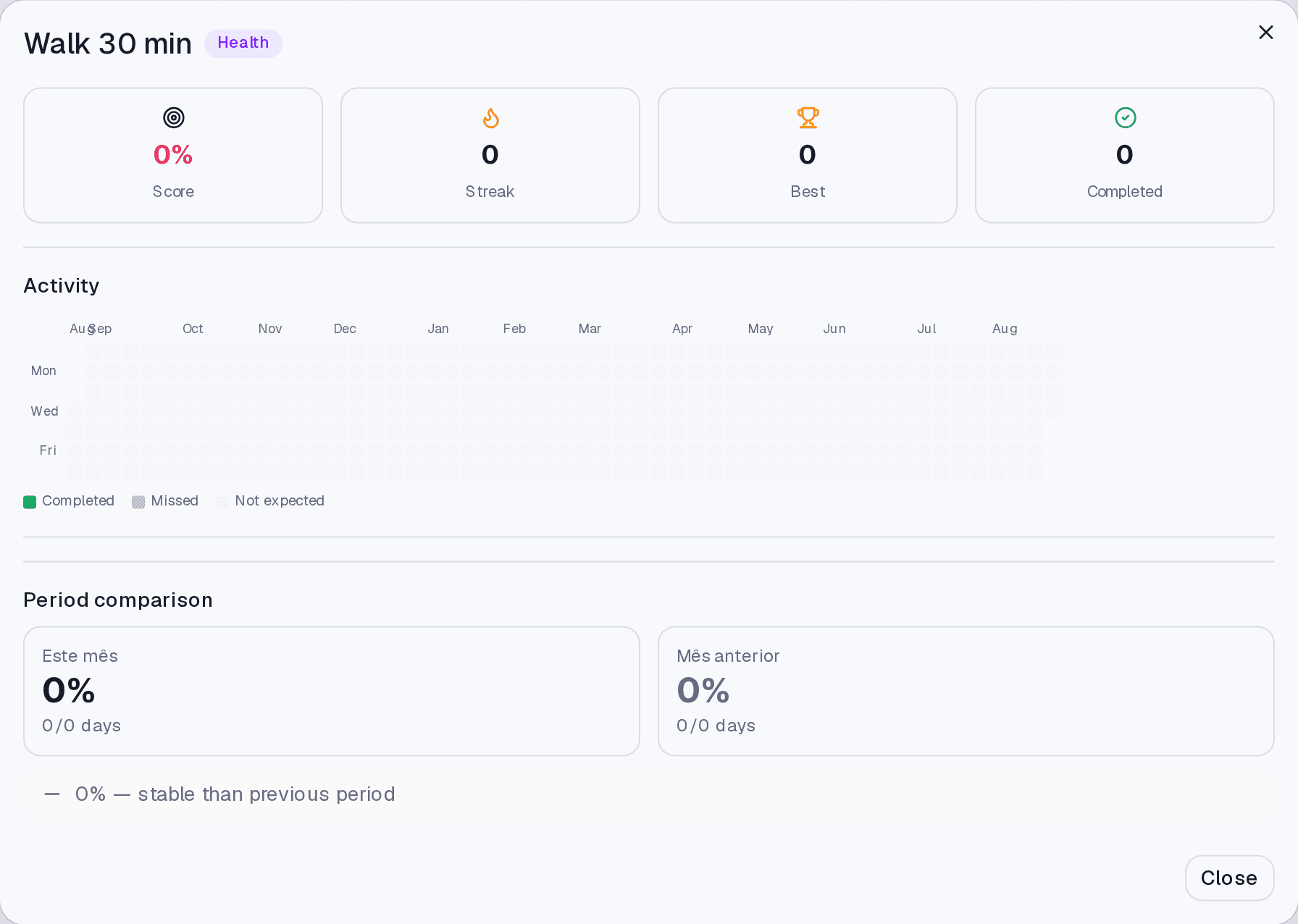
Comparison
Puts periods side by side. It answers "am I getting better?" — the only one of the three that tells you whether to keep going as you are.
Where it lives
The Habits screen: click a habit to open its detail. The Dashboard shows a summary view of the day's habit health.
Limits and plans
History is in any paid plan. The AI-written summaries about these numbers are Pro, on the Insights screen.
Common questions
My streak reset and I had kept it. Back-fill that day — the streak is recalculated.
Do days when the habit was not expected break the streak? No. On a weekly habit set to Tuesdays, the other days do not count against you.
I deleted a habit by mistake. Does the history come back? A deleted habit goes to the bin and can be restored, including by asking the AI. After 30 days it is gone for good.
Updated on August 26, 2026