Insights: what the numbers say
On-demand summaries about how your weeks have been going.
The Insights screen brings two things together: your period's statistics — how much got done, what ran late, how the habits went — and the summaries the AI writes from them.
The number says what happened. The summary tries to say what it means.
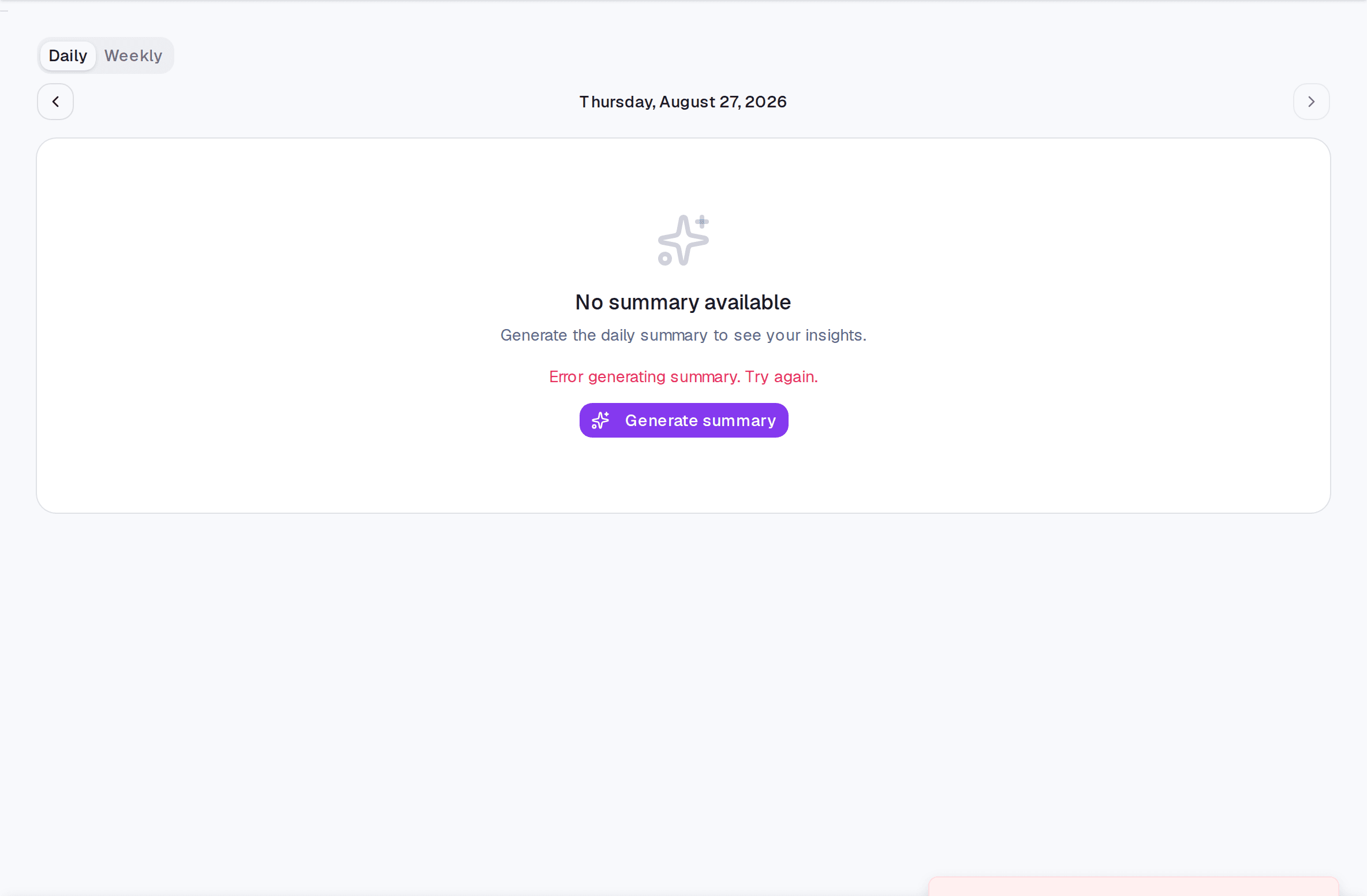
Generating a summary
- Open Insights.
- Pick the day or the week.
- Generate the summary. Ones already generated open instantly.
The generation limits
Generation is paid for by the system, so it is kept in check:
- 5 generations per day, per account.
- 5 minutes of waiting before regenerating the same summary.
- Daily available for the last 30 days; weekly for the last 8 weeks.
- Future dates, never.
Those limits block generating, not reading: old summaries already saved keep opening normally, even outside the window.
Limits and plans
Common questions
I generated one and the text came out generic. A summary is made of what exists. In a week with few records there is little to say — and inventing would be worse.
Why does it not generate automatically every week? Automatic generation nobody reads is pure cost. Here you ask when you want to read.
Do the numbers match the Tasks screen? Yes, same source. If they diverge, there is probably an active filter on the Tasks screen.
Updated on August 26, 2026