Install it as an app
DayAlly opens full screen, with its own icon, and handles notifications better.
DayAlly is a PWA: a site your browser installs as an app. No store, no download — the same address becomes an icon on your home screen.
Three things get better once it is installed:
- It opens full screen, without the browser bar eating height.
- Push notifications become more reliable, because the system treats the app as an app.
- It stays one tap away instead of a tab lost among thirty others.
How to install
- On your phone, open your profile menu and choose the install option.
- If it is not there, use the browser menu: Add to Home screen on Android, Share → Add to Home Screen on iPhone.
- Confirm the name and you are done.
On desktop, Chrome-based browsers show an install icon in the address bar.
Where it lives
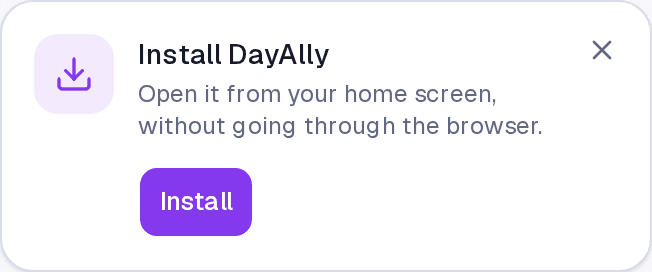
The invitation appears at the top of the content on mobile, and the install item sits in your profile menu. Once installed, both disappear — there is no reason to invite you twice.
Without a connection
Installed or not, DayAlly shows its own screen when the connection drops, instead of the browser error. It does not truly work offline: with no network you cannot create or edit anything. What exists is a clear notice that you are offline, in place of a broken page.
Common questions
Does installing take up space? Almost none. It is the browser keeping a shortcut and the interface files.
Do I have to install it to get notifications? On Android, no — but it helps. On iPhone, yes: the system only delivers push to sites added to the home screen.
I installed it and want it gone. Remove the icon as you would with any app. Your account and your data are untouched.
Updated on August 26, 2026