Event or task?
The question the app asks when you create something on the calendar — and how to decide fast.
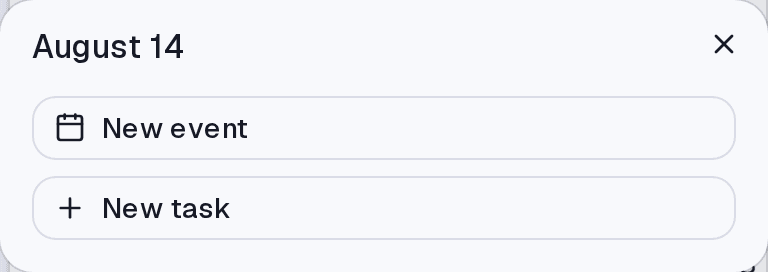
When you create something from the Calendar, the app asks whether it is an event or a task. The difference is not about format, it is about nature:
- Event — it happens at a time, whether or not you do anything. A meeting exists at 2pm even if you do nothing.
- Task — it needs doing. It has a state, it can run late, it can be completed.
The quick test: if marking it complete makes sense, it is a task. A meeting is not completed; it happens or it is cancelled.
Creating one
- On the Calendar, click a day or an hour slot.
- Choose Event or Task.
- Fill it in and save.
Where it lives
On the Calendar screen. From the Tasks screen there is no question: everything there is a task.
Common questions
I created an event and meant a task. There is no automatic conversion. Create the task and delete the event — they are records of different natures.
Isn't a timed task the same as an event? It occupies the same visual slot, but it stays a task: it can be completed, it enters status filters, and it appears in your pending list. An event does none of that.
Can imported events become tasks? No. They are a mirror of the source calendar — editing here does not change anything there.
Updated on August 26, 2026