What the AI does for you
It does not just answer — it changes your tasks, events, and habits. Here is how far it goes.
DayAlly's assistant acts on your data. It creates, edits, completes, archives, and restores tasks, recurring tasks, events, habits, categories, and tags — and reads all of it to answer you.
In practice, you write "tomorrow I have the dentist at 3pm and I need to call Ana before that" and it creates the event and the task, in the right time zone.
Talking to it
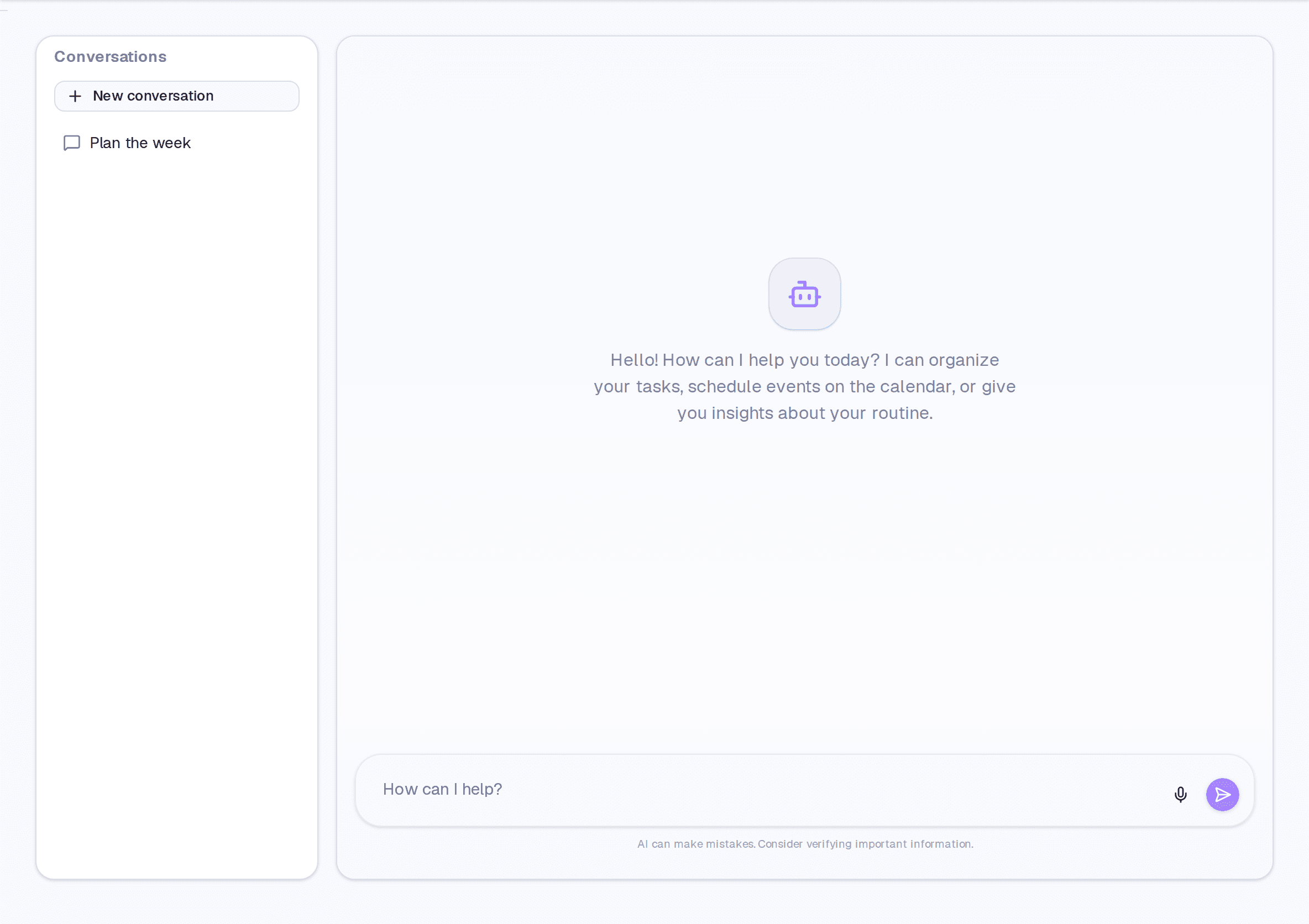
- Open AI Chat in the navigation, or use the chat bar at the bottom of any screen.
- Write in plain language. Relative dates work: "Friday", "next week", "every month on the 5th".
- Check what it did — each action appears as a card in the reply.
Controlling how much it does on its own
Under Settings → AI Assistant:
- Action confirmation — Always shows a preview before anything; Smart only confirms deletions and batches of three or more; Never runs everything directly.
- Verbosity — Concise, Normal, or Detailed.
- Global quick chat — turns the bottom bar on or off.
- Save quick chats — whether bar conversations go into your history.
What it does not do
Events coming from Google or Outlook are read-only — the AI neither edits nor deletes those; it tells you to change them at the source.
Limits and plans
Common questions
Does it get things wrong? It does. That is why the confirmation mode exists, and why its actions appear as cards — so you can check them on the spot.
Can I undo what it did? Tasks and events deleted by the AI go to the bin and can be restored — including by asking it.
Updated on September 10, 2026