Voice input and the seconds quota
How dictation works, and why the quota counts seconds of audio rather than recordings.
Instead of typing, you speak. The audio is transcribed and becomes the text of your message to the AI — which acts on it normally.
Dictating
- In the chat, click Record voice and allow microphone access.
- Say the whole request in one go.
- Click Stop recording. The transcribed text appears in the field.
- Review it and send.
How the quota is counted
The voice quota is measured in actual seconds of audio, not in number of recordings. Thirty ten-second recordings use the same five minutes as one five-minute recording.
Two kinds of recording do not use quota:
- Audio shorter than 2 seconds.
- Audio where no speech was recognised.
In both cases you get a notice and the quota stays untouched. That is the accidental tap on the record button, and it should not cost anything.
Where to watch your usage
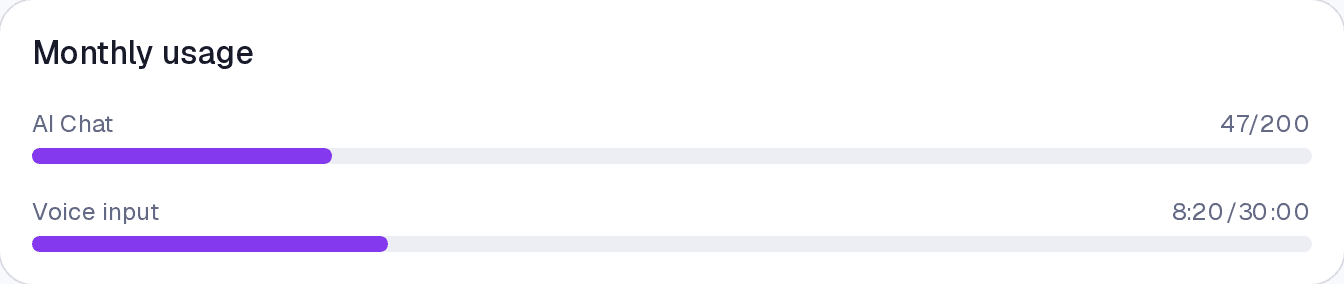
Settings → Subscription, under Monthly usage, shows the AI messages and the voice consumed.
Common questions
I recorded three minutes and the quota dropped more than I expected. The count covers the whole recording, pauses included. For long requests, typing is cheaper in quota.
It says "Voice available on the Pro plan". Your current plan is Essential, which does not include AI.
What language does it transcribe in? The language of your interface, set under Settings → General.
Updated on September 11, 2026