Talking through the global bar
The chat that follows you across every screen — and when it gets in the way.
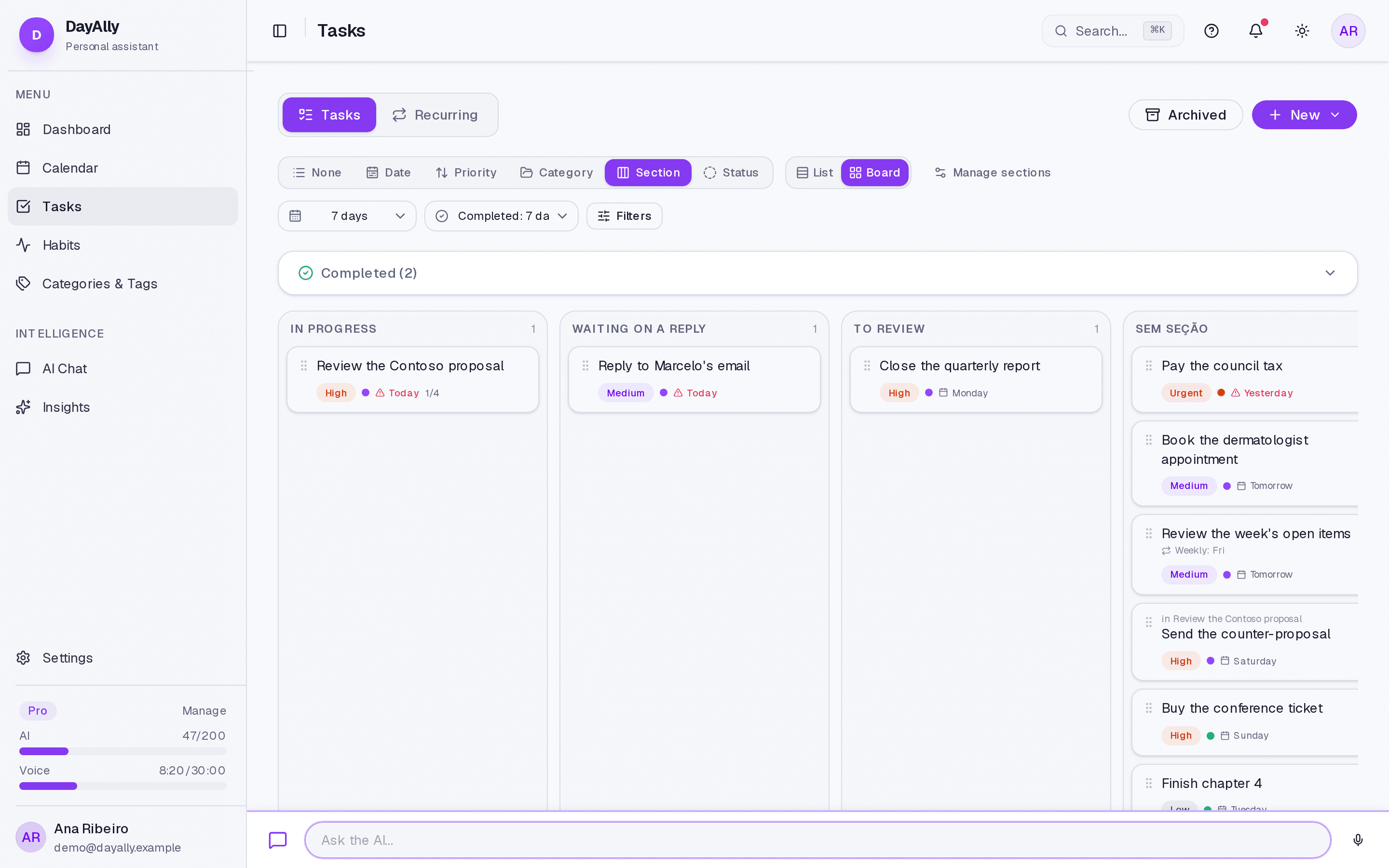
Besides the AI Chat screen, there is a chat bar at the bottom of every other screen. It serves the short request that comes up in the middle of something else: "push that to Friday", "what do I have tomorrow morning?".
The difference is intent, not capability. The bar does everything the chat screen does — it is the same AI, with the same tools.
Using it
- Click the bar at the bottom and write the request.
- Enter sends; Shift+Enter breaks the line.
- Use Minimise to get it out of the way without losing the conversation.
Two preferences worth knowing
Under Settings → AI Assistant:
- Global quick chat — turns the bar off. It costs screen height, and people who prefer to ask everything from the Chat screen usually prefer it gone.
- Save quick chats — decides whether these conversations go into your history. It ships off: the bar is used for throwaway requests, and saving them all would fill the conversation list with one-line fragments.
Where it does not appear
On the AI Chat screen itself, where it would be a duplicate, and in the Help Center, where the article already occupies the reading column. It also disappears for anyone whose plan has no AI.
Limits and plans
Common questions
The bar disappeared. Check Global quick chat in settings, then check your plan.
Does it remember the previous conversation? While you do not close it, yes. Once closed, the next request starts fresh.
Updated on August 26, 2026