Export your data
A file with everything that is yours, any time, without asking anyone's permission.
You can download everything you created in DayAlly as a JSON file, whenever you want.
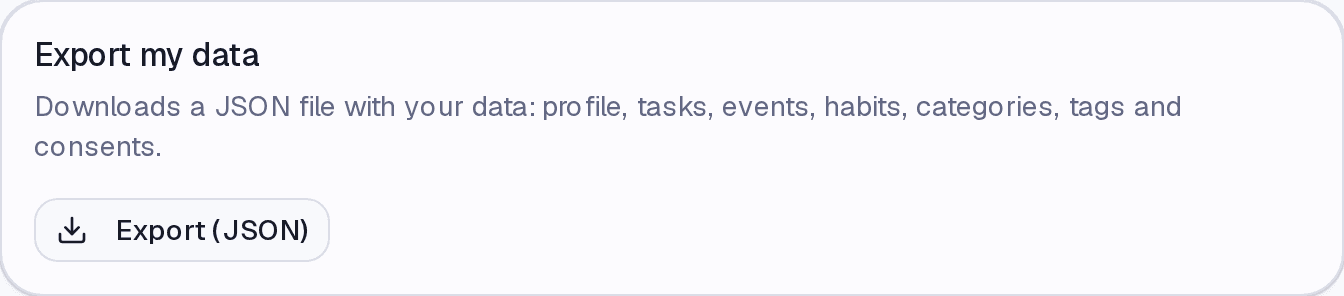
The file includes your profile, tasks, events, habits, categories, tags, and your consent records.
Exporting
- Go to Settings → Data Management.
- Click Export (JSON).
- The download starts, with the date in the file name.
When to export
- Before deleting your account. There is no way back afterwards.
- Before archiving a lot, since an archived task is permanently deleted after 30 days.
- Every so often, like any backup.
Exporting does not depend on your plan
This is the point that separates DayAlly from apps that hold data hostage: even with no active plan, with the account read-only, exporting stays available. Your data are not held behind a subscription.
It also does not depend on accepting the terms — the right to portability cannot be conditioned on that.
Limits
Up to 3 exports per hour, to prevent abuse. If you hit the limit, wait a few minutes.
Where it lives
Settings → Data Management, alongside the clearing and deletion actions.
Common questions
Why JSON and not CSV or Excel? Because the content has hierarchy — tasks with steps, habits with records, events with categories. Flattening that into a spreadsheet would lose exactly what gives the data meaning.
Can I import it back? There is no import today. The file serves as a backup and as portability.
Does it include AI conversations? No. They have their own clearing action under Data Management.
Updated on August 26, 2026