Delete your account
Exactly what gets erased, what has no way back, and the less final alternatives.
Deleting your account permanently removes you and everything that is yours: tasks, events, habits, AI conversations, calendar integrations, and the subscription.
Consider the alternatives first
Most people who reach this screen want something smaller:
- Just stop paying? Cancel the subscription. The account becomes read-only, the data stay, and coming back is a matter of subscribing again.
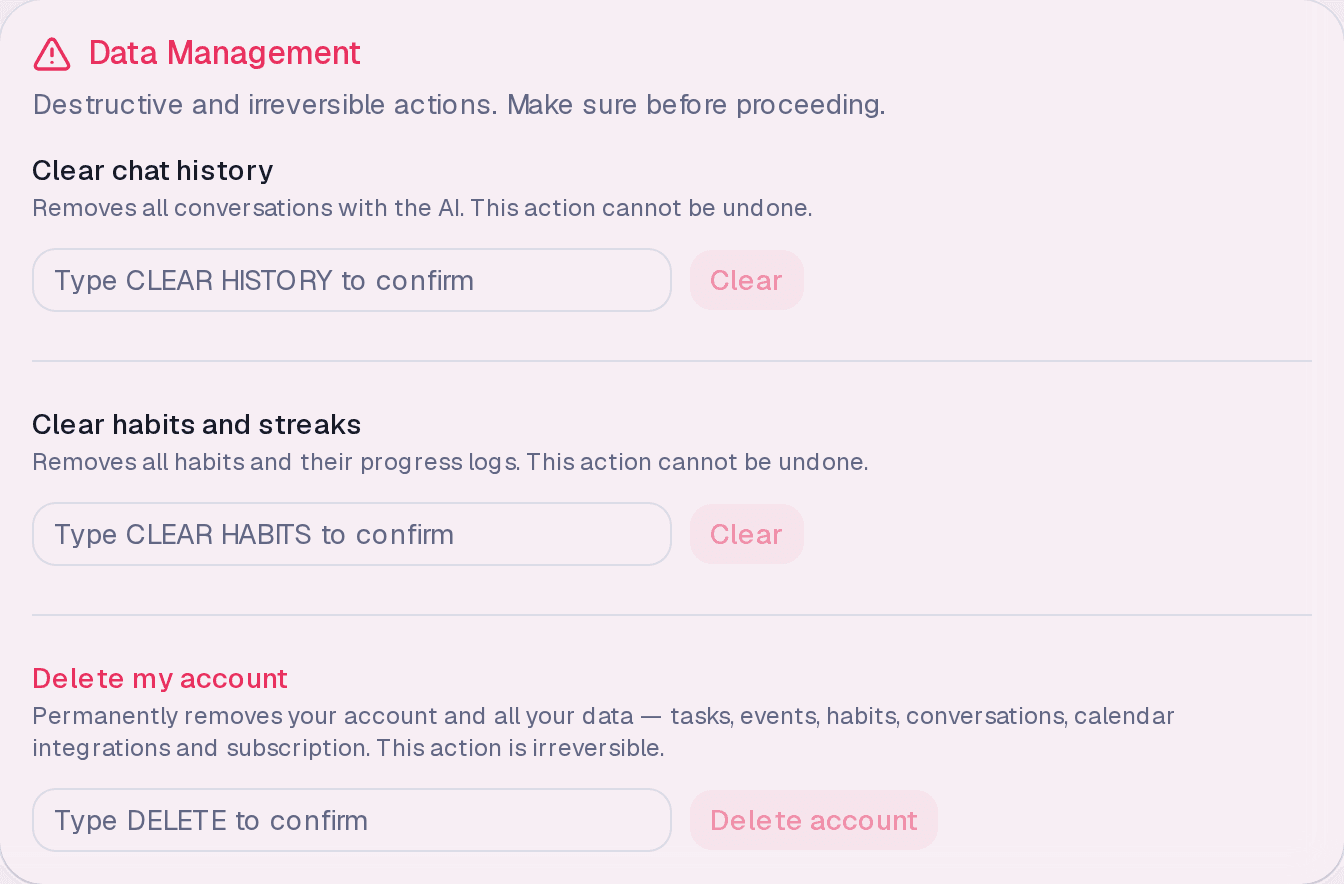
- Just clear the AI history? There is Clear chat history, which removes the conversations without touching anything else.
- Just restart your habits? There is Clear habits and streaks, which erases habits and records while preserving tasks and calendar.
Deleting
- Go to Settings → Data Management.
- Under Delete my account, type DELETE to confirm.
- Click Delete account.
The typed confirmation exists because the action is irreversible and the button sits next to far less serious ones.
What happens to the subscription
It ends along with the account. There is no charge after deletion — and no pro-rata refund of the period already paid, either.
About your external calendars
Nothing is deleted in Google or Outlook. DayAlly only ever had read permission; deleting your account here simply discards the copy that was here and the access you granted.
Where it lives
Settings → Data Management, at the bottom of the screen, set apart from the other actions.
Common questions
Can I delete without an active plan? Yes. Like exporting, deletion does not depend on a subscription or on accepting the terms.
Can I create another account with the same email later? You can. But the trial is once per person — the new account does not get a new one.
How long until it is really gone? Deletion is immediate for you. Residual operational copies follow the periods described in the Privacy Policy.
Updated on August 26, 2026